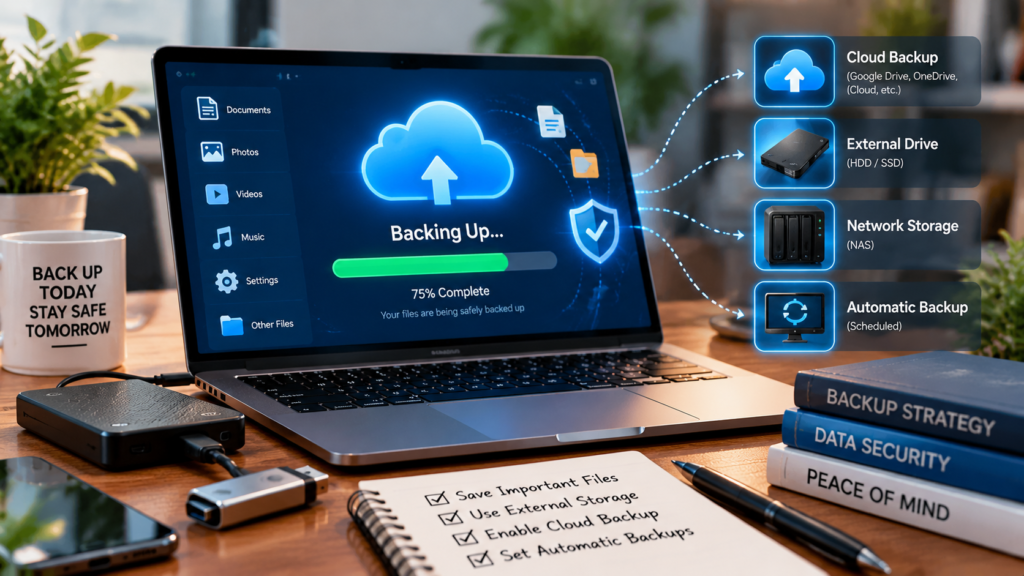
A computer can fail, be lost or become infected. A backup gives you another copy of important files so you can recover from accidents and hardware problems.
Use more than one copy
Keep your working files on the computer and create backups on a separate external drive or trusted cloud service. A disconnected copy can help protect against ransomware.
Automate the routine
Set a schedule that matches how often your files change. Work documents may need daily backups, while less active files may need less frequent copies.
Protect the backup
Use encryption when appropriate and secure the account with multi-factor authentication. Store recovery keys safely.
Test restoration
A backup is only useful if it works. Restore a sample file regularly and make sure you know how to recover a full device.
The takeaway
A simple, tested backup plan is better than an elaborate plan that is never run.
('A sensible selection process', 'Write down the task the software must perform, the file formats you need and the devices it must support. Test a realistic workflow before moving important work into it. Confirm how data can be exported so you are not locked into a service without a workable exit plan.')
('Maintenance matters', 'Keep the application updated, remove extensions or add-ons you no longer use and review access permissions after major changes. For team software, assign an owner who can manage accounts, renewals, backups and access when staff roles change.')
Frequently asked questions
How can I choose software that will remain useful?
Test it on a realistic task, check privacy and support terms, and make sure your data can be exported.
Why does context matter?
Specifications, availability and best practices can differ by product, region and date. Check current official documentation before making a purchase or changing an important system.